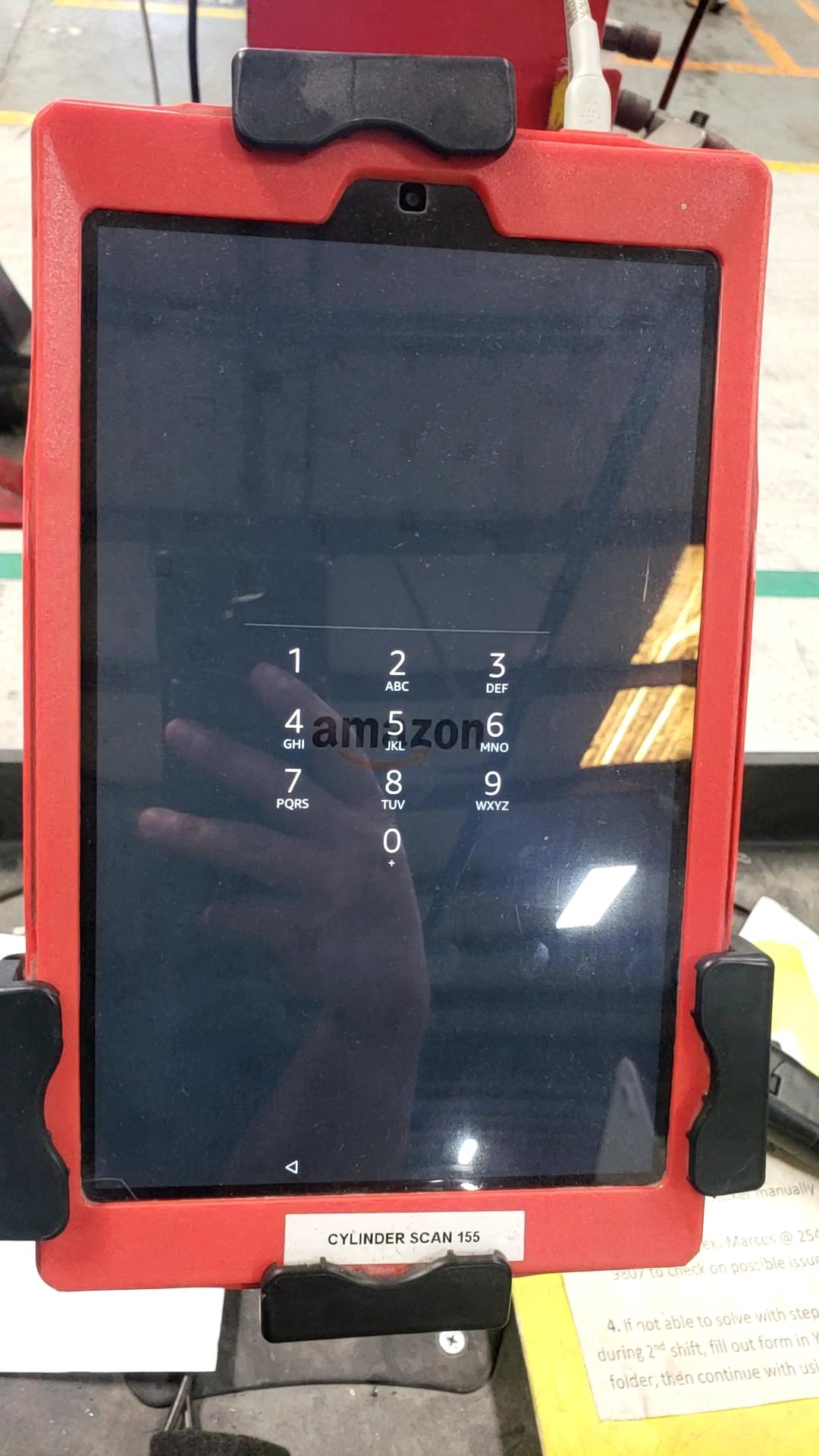
1. Unlock the tablet using the given code.
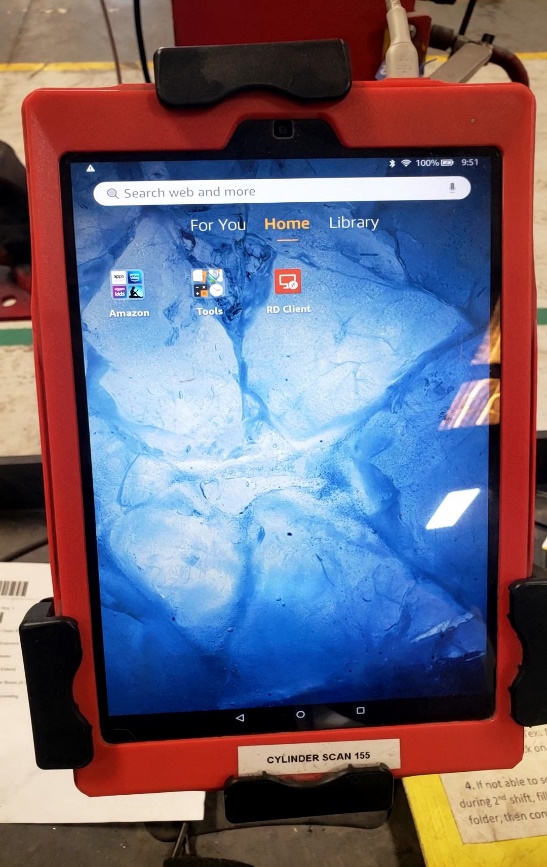
2. You should have a red shortcut called “RD Client”. Double click to open the Remote desktop to the Epicor server.
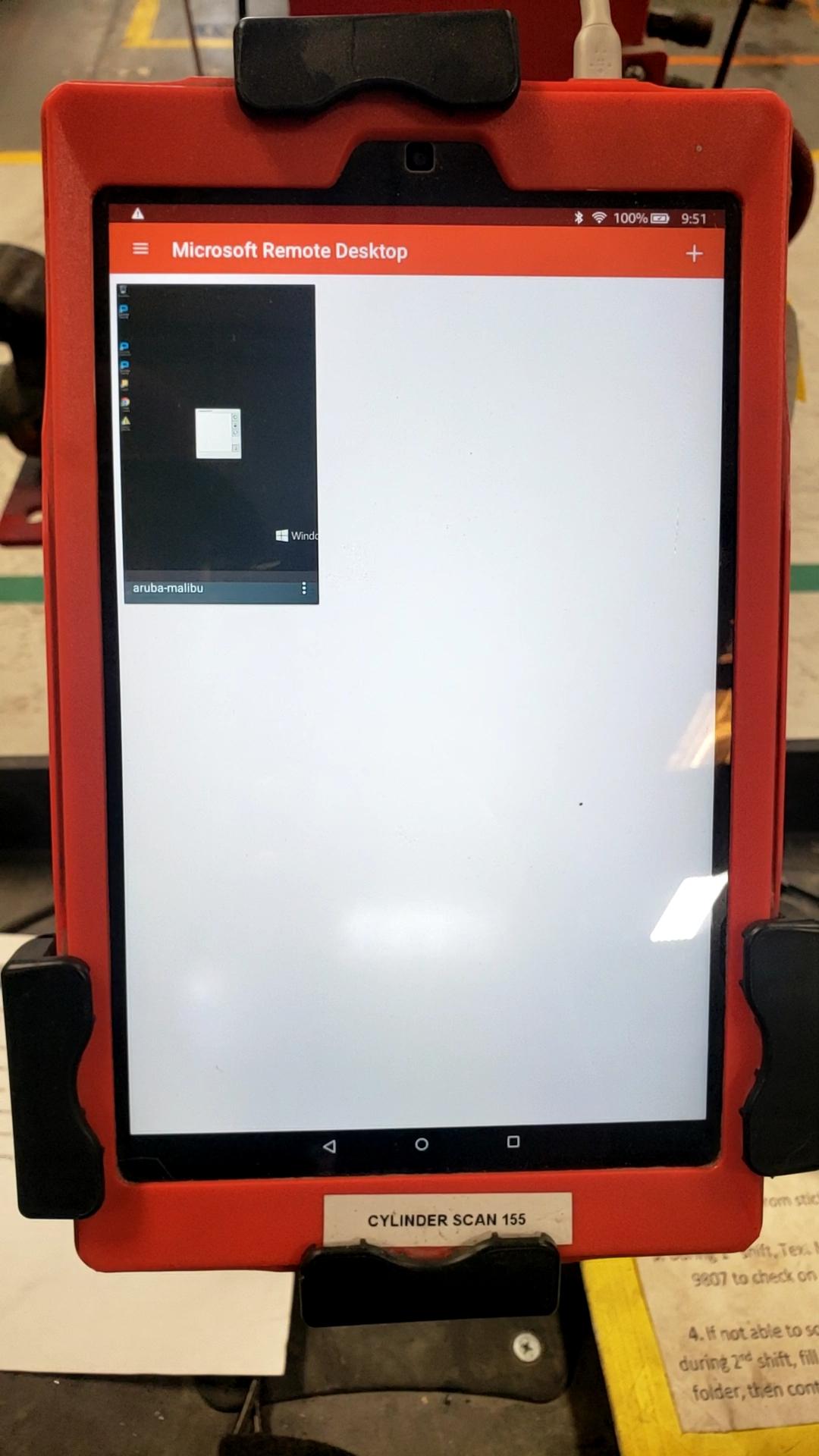
3. Upon opening the RD Client you’ll notice a single tile that has already been configured with your user and password. Double click the aruba-malibu connection to join the Epicor server desktop environment.
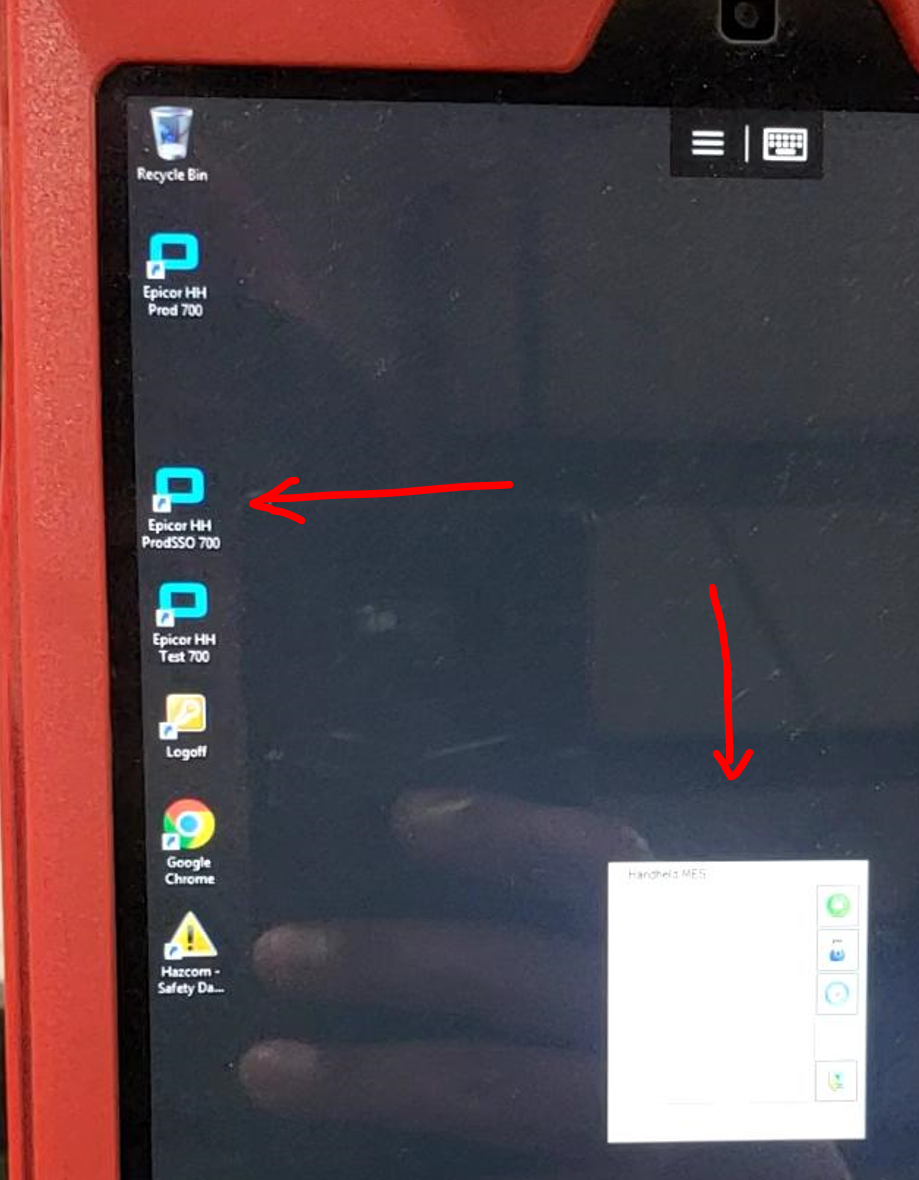
4. You will now have access to the Epicor HH ProdSSO 700 MES shortcut. You can zoom in or zoom out as needed to expand the screen.