
Exporting Browser Bookmarks
Step 1. On the browser of your choice, select the 3 dots in the top right corner. Then Navigate to Bookmarks and lists then Bookmark manager. 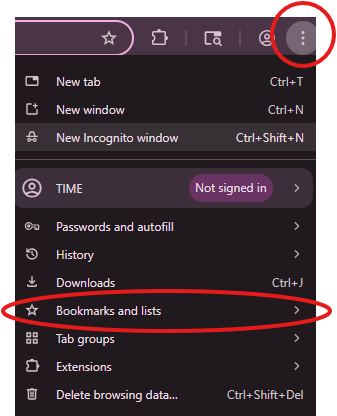
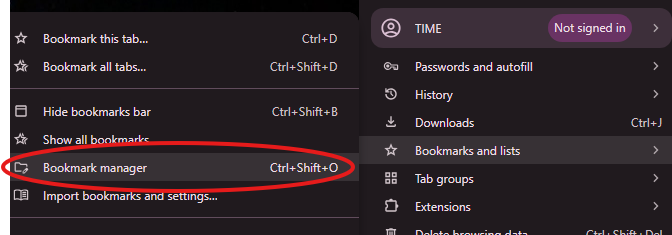 Step 2. It will take you to a list of all your bookmarks. There will be another 3 dots to click on.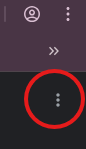
Step 3. Select Export bookmarks
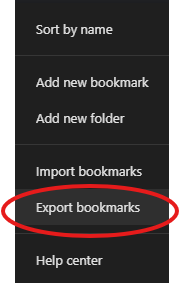
Step 4. Save to your OneDrive

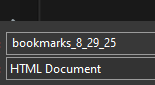
Step 5. Name it something you will remember or leave as default.
Importing Bookmarks to new PC/browser
Step 1. Follow the steps above to Step 3 and select Import bookmarks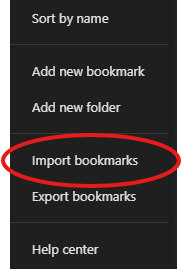
Step 2. Select the file you previously save in OneDrive.
*Note* It may take a few minutes for OneDrive to sync