This document goes over how to move existing Account and Scenario Dimensions in OneStream. Sometimes users may want to reorganize how dimensions are structured. This will work for any of the dimensions folders, but we’ll be focusing on the Account Dimensions for this example as that’s the one that will mainly need to be moved.
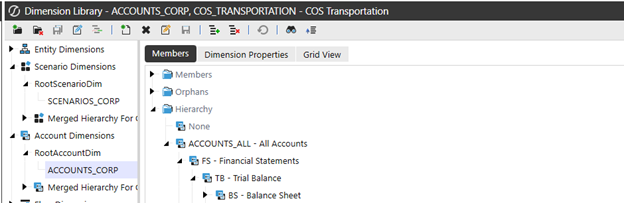
1. Find the Account/Scenario Dimension you’d like to move. You’ll most likely have to get the user who requested the change to tell you the exact path of the Account/Scenario Dimension they want moved as well as the path of where they’d like it moved to.
For this example, we’ll be using the Cash Operating Account – TEST Account Dimension.
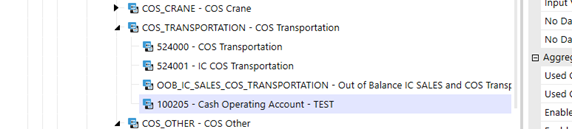
2. Currently, this Account Dimension is located under COS_TRANSPORTATION – COS Transportation. Let’s assume that a user would like it moved to COS_OTHER – COS Other. Find the location of the destination you’d like the Account/Scenario Dimension moved to.
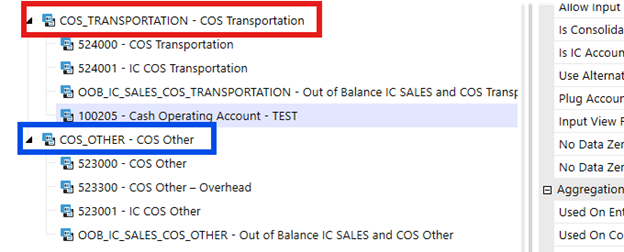
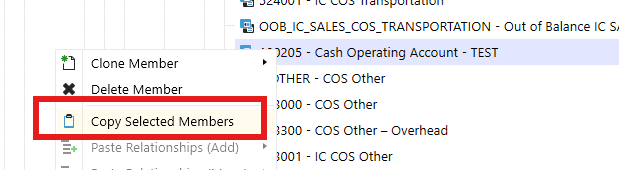
3. Right click on your Account/Scenario Dimension you’d like to move and click Copy Selected Members.
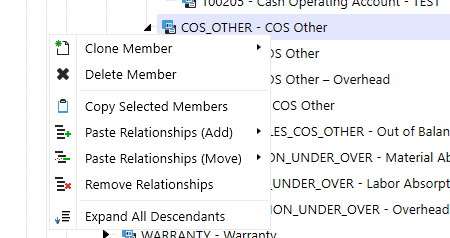
4. After you have copied the Account/Scenario Dimension, right click on the destination where you’d like the Account/Scenario Dimension to be moved to. In this case, we’ll right click on the COS_OTHER – COS Other option.
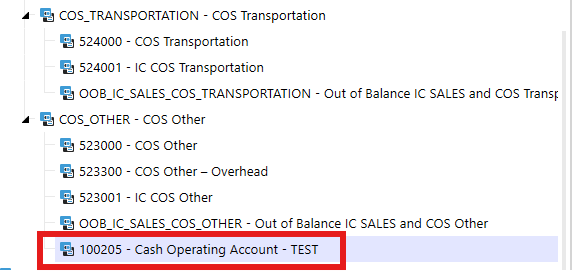
5. Hover over Paste Relationships (Move), and select one of the child options. To play it safe, I recommend just clicking on As Last Child. This will place the Account/Scenario Dimension at the end of the list.
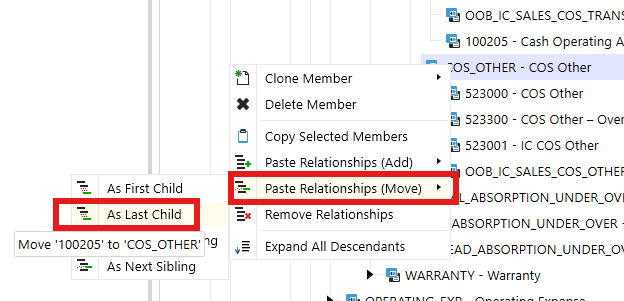
6. The Account/Scenario Dimension will be moved and is no longer in the previous location as shown.