Open OneDrive settings (select the OneDrive cloud icon in your notification area, and then select the OneDrive Help & Settings icon then Settings.)
Open OneDrive settings (select the OneDrive cloud icon in your notification area, and then select the OneDrive Help & Settings icon then Settings.)
Go to the Sync and backup tab.
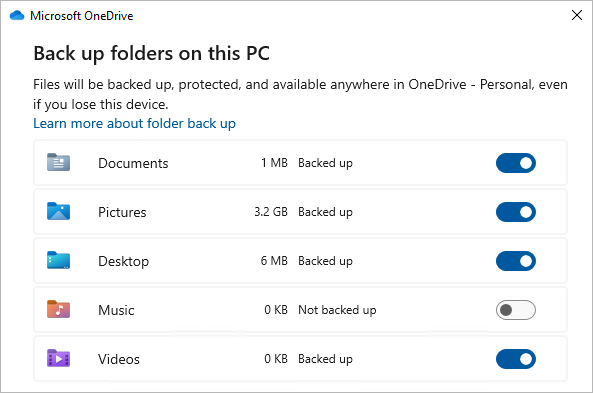
Select Manage backup.
To start backing up a folder, toggle any folder that says Not backed up, and then select Save changes.