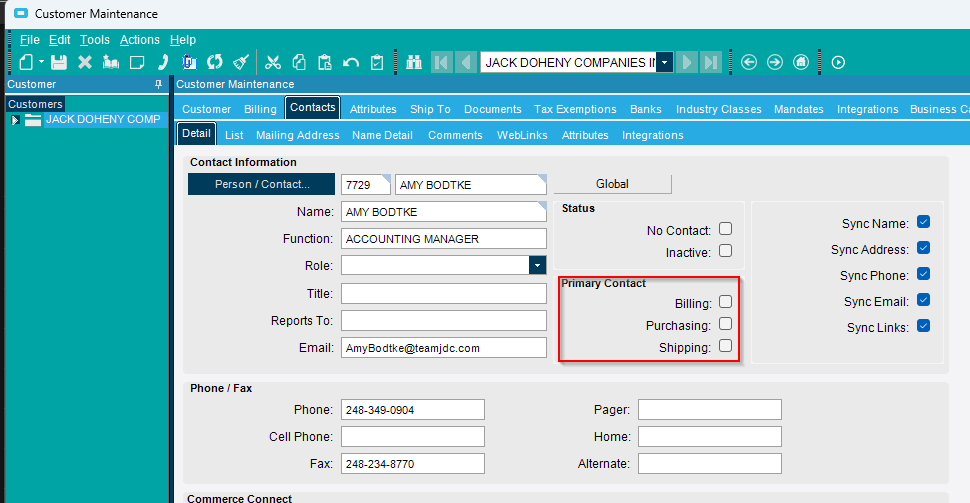
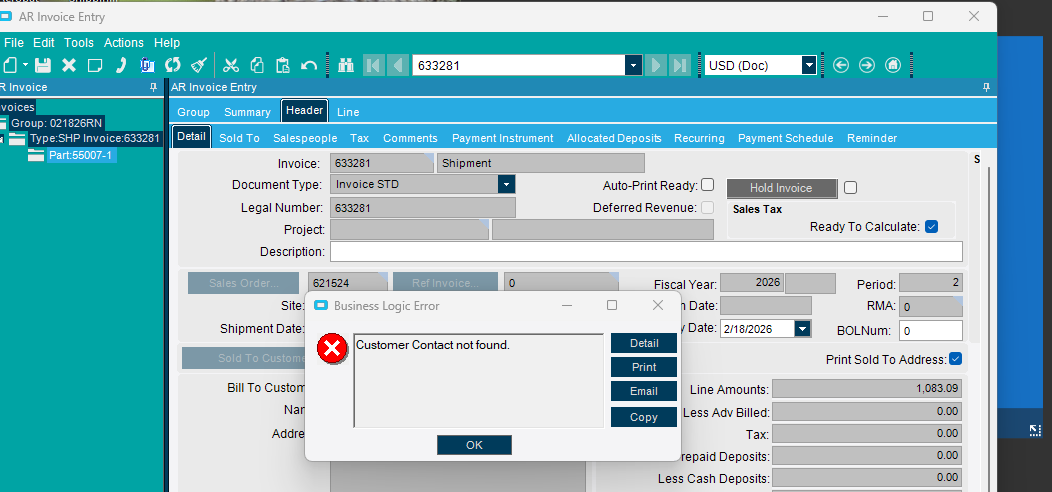
When this happens, especially in a linked Customer record, it is caused by the Customer having an invalid Contact or ShipTo linked that does not actually exist.
I wrote a BAQ that will show this to a user that is having the issue. BAQ ID = GlobCustIssue_InvalidLinks
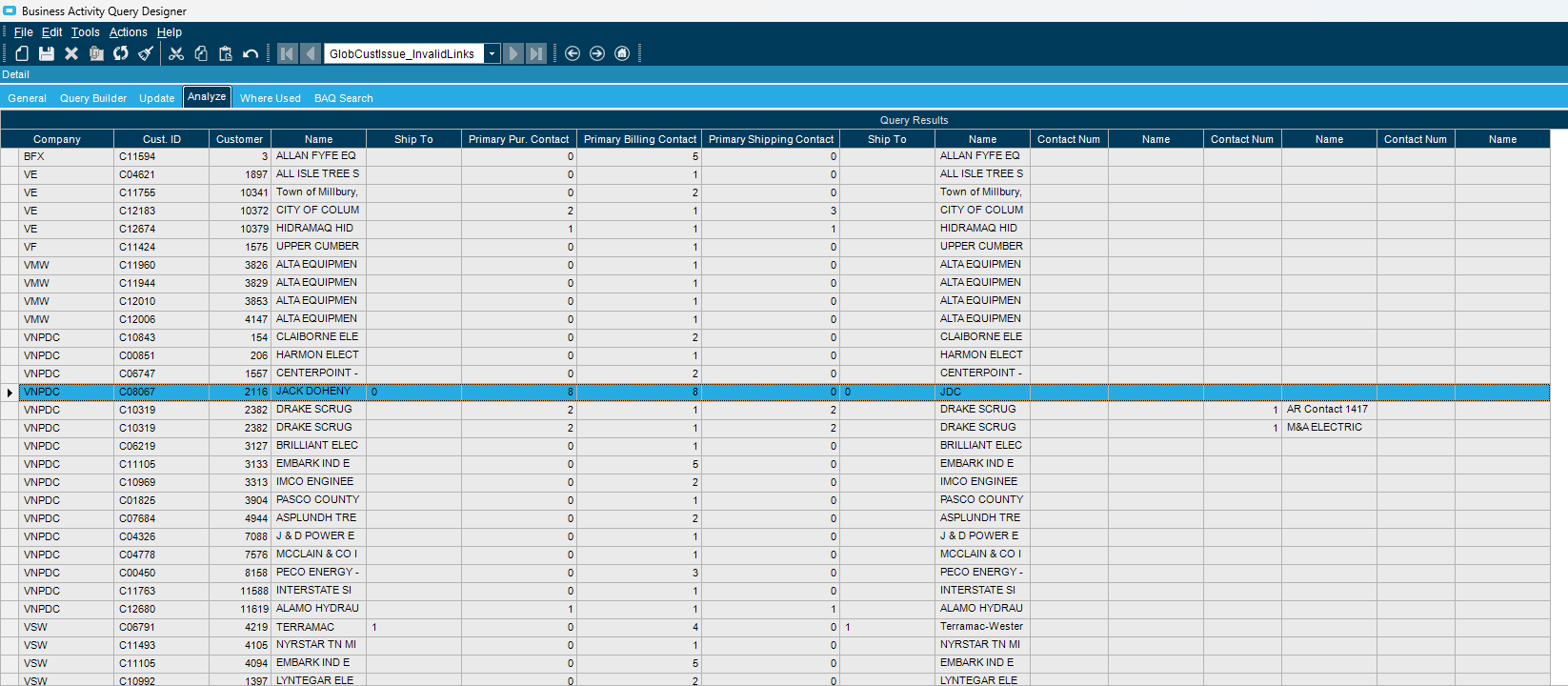
To fix the issue:
- Open the relevant Customer record
- Set one of the contacts in the list as the primary contacts, over-riding any that are set but do not exist on the Customer record. If you check all 3, save, then uncheck them, and save again, I believe that will also fix the issue, but it is best to set those contacts correctly for the Customer if you can.