It is national law for Voice Over IP phone (VOIP) systems that the user location has to be setup for their account in order to make outgoing calls.
If you are getting error about not being able to make outgoing calls you will need to setup your location in your profile.
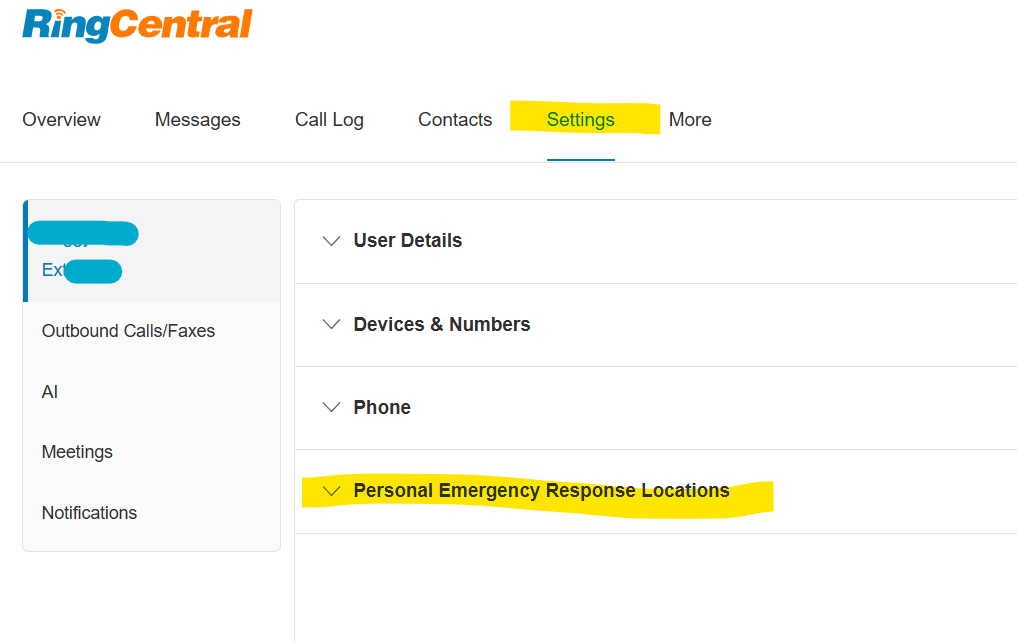
log in with Single Sign On - https://service.ringcentral.com/
Then go to Settings, and Personal Emergency Response Locations to setup your address or pick one for Office locations already in the system.