
- Use the following link to go to the site: Epicor ECM (DocStar)
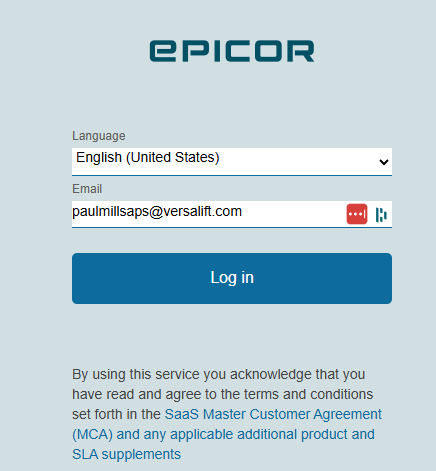
- Use the following screen, enter your active directory username (email address?)
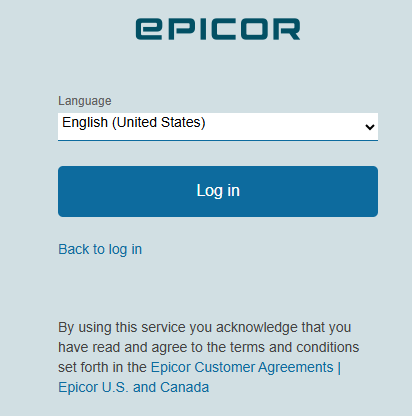
- I have noticed that sometimes, when I go to the ECM portal after I have authenticated once, I get the screen below. I will normally click on the Back to log in, then put in my EntraID login (my email address, the same as the screenshot above in step 2) to reset the token for authentication. I have had to do this a couple of times in a row occasionally to get logged in.
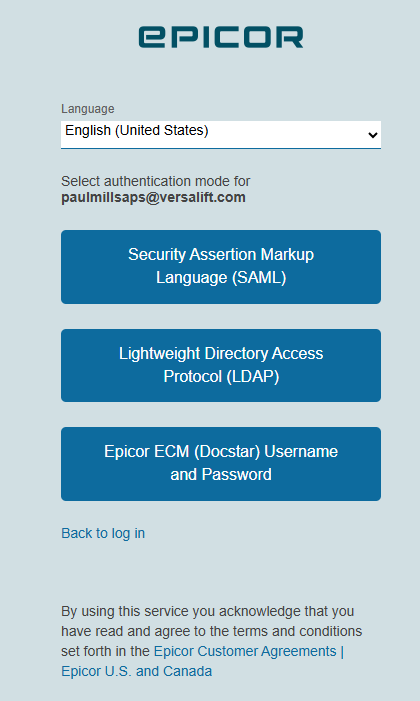
- Select the Lightweight Directory Access Protocol (LDAP) box, or the Security Assertion Markup Language (SAML) box. We will be researching which method works best. FOr the US users, I know the SAML works well, but we are still testing for the European users.
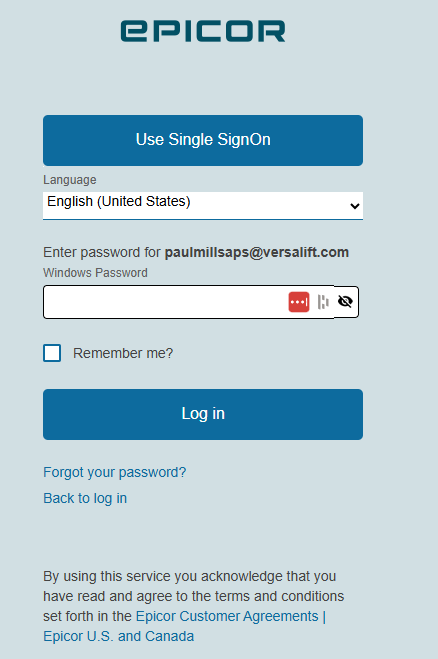
- Enter the password for that active directory account
ECM Login Steps Print
Created by: Paul Millsaps
Modified on: Thu, Jun 18, 2026 at 10:41 AM
Did you find it helpful? Yes No
Send feedbackSorry we couldn't be helpful. Help us improve this article with your feedback.