
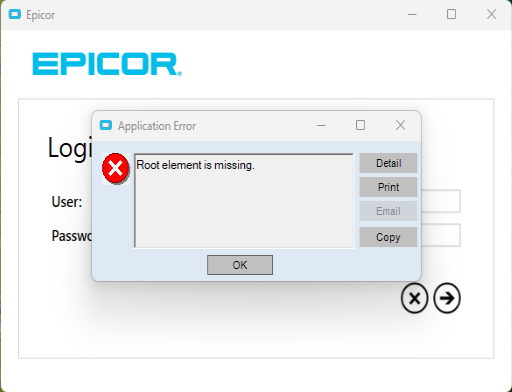
If you get a Root Element is missing error while starting Epicor, it is caused by a corrupted file on your local machine.
To fix the issue:
- Close the Epicor eror dialog
- Browse to the path to see this file:
- C:\Users\<UserName>\AppData\Local\Epicor\Epicor.exe_StrongName_<RandomNumber>\3.2.700.0\user.config
- If that file is 0b in size, it is corrupted
- Delete the 0b file.
- Try to start Epicor again.